tim
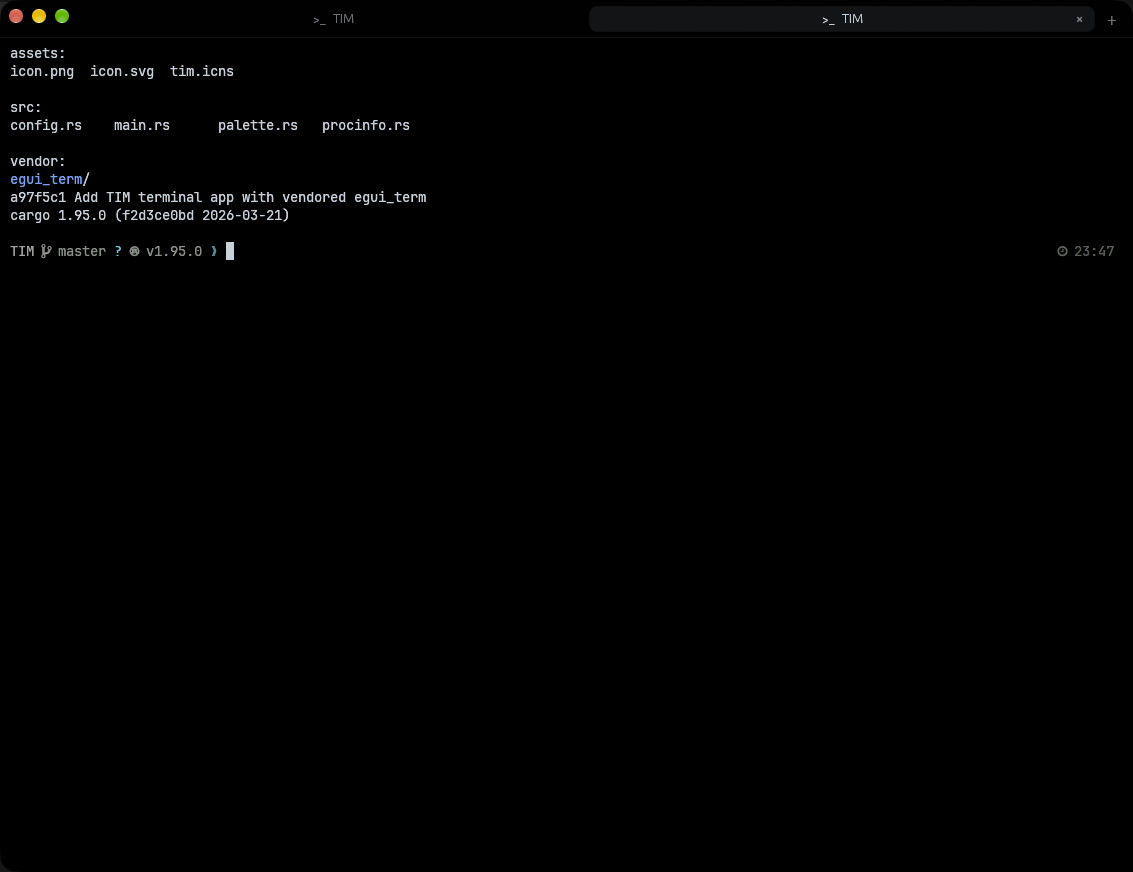
A tiny terminal with tabs and a command palette. About 60 MB of memory. 0% CPU when idle. Written in Rust, for macOS and Linux.
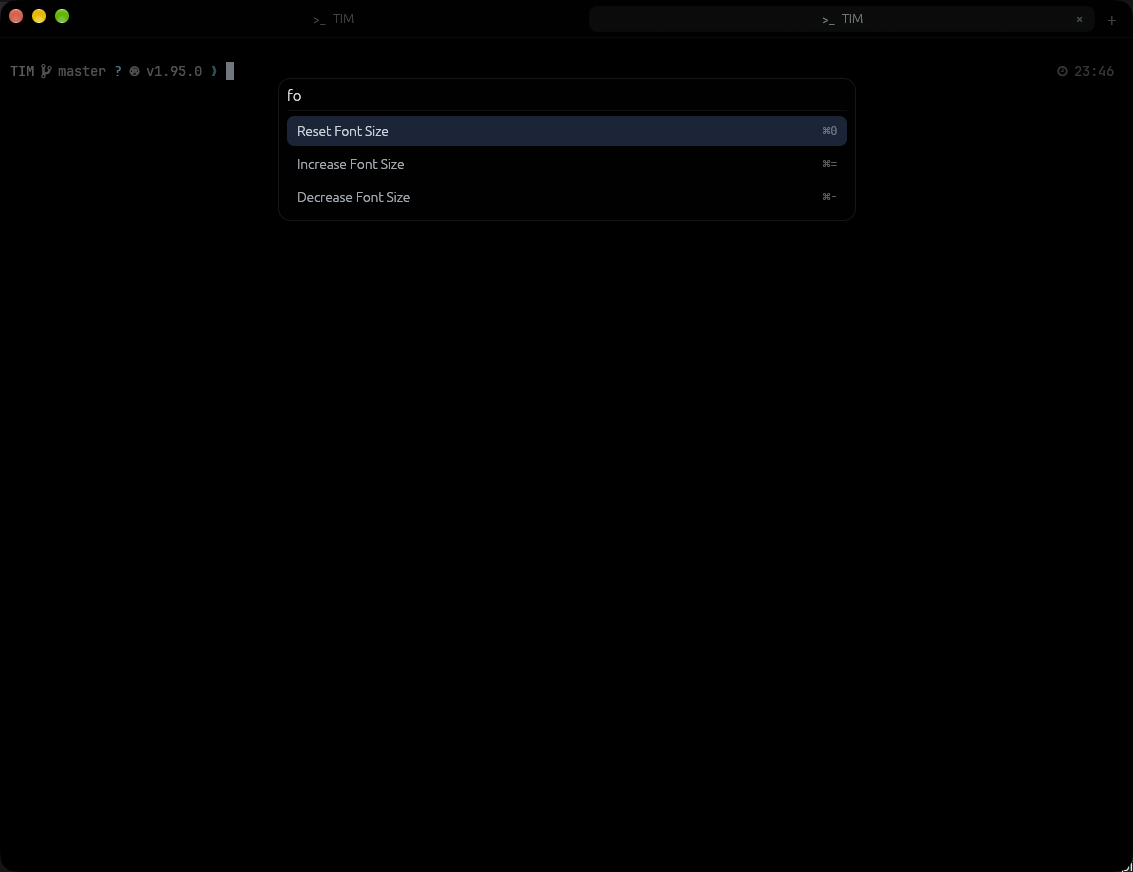
This is a working copy of the palette. Type nt or font, then press Enter.
Small on purpose
- Command palette
- Every action lives behind ⌘⇧P. Type a few letters and the fuzzy search finds it, the same way it does in this page.
- Tabs that name themselves
- Each tab shows the program that's running in it, or the folder you're in. Right-click a tab to duplicate it or close the others.
- Profiles
- Save ssh hosts or any command you run often. They show up in the palette as “Open: name”.
- Quiet when idle
- It only redraws when something changes, so an idle window costs nothing.
- A proven core
- Terminal emulation comes from Alacritty, drawn with egui on OpenGL.
- One config file
- Font, shell, colors and start folder live in one TOML file. Run Reload Config to apply changes without restarting.
The real thing
Keys
| ⌘⇧P | Command palette |
| ⌘T ⌘W | New tab, close tab |
| ⌘1 to ⌘9 | Jump to a tab |
| ⌃Tab ⌃⇧Tab | Next and previous tab |
| ⌘= ⌘- ⌘0 | Bigger, smaller, reset font |
| ⌘, | Open config |
On Linux, use Ctrl+Shift where macOS uses ⌘.
Build it
# builds Tim.app into /Applications
./bundle.sh

# or run it straight from source
cargo run
On first run tim writes ~/.config/tim/config.toml. Use a Nerd Font there if your prompt has icons.